November 18, 2026
This article provides a comprehensive guide for individuals who are new to replacing ink and toner cartridges. Whether you're dealing with an inkjet or laser printer, these simple steps will help ensure a smooth and successful cartridge replacement process. Understanding the nuances between different printers and their cartridges can be daunting for beginners. However, with the right information and guidance, anyone can master the art of replacing ink and toner cartridges seamlessly. Let's explore the essential steps needed to not only replace cartridges but also maintain your printer for optimal performance.
Recognizing When to Replace Your Cartridges
Understanding Common Indicators
Recognizing when to replace your printer's ink and toner cartridges is crucial for maintaining print quality. One of the most common indicators is faded or streaky printouts, which suggest that the ink or toner is running low. Additionally, some printers come equipped with alert systems that notify you when cartridge levels are critically low. It's essential to pay attention to any unusual noises or malfunctions, as these can also be signs of a failing cartridge. By understanding these common indicators, you will be better prepared to replace your cartridges before they completely run out.
Monitoring Print Quality
Keeping an eye on your print quality is another effective way to determine when it's time to replace a cartridge. If your documents or images start appearing blurry or discolored, it's likely that the cartridge is nearing the end of its lifespan. Regularly printing test pages can help you monitor consistency in print quality. Consistent maintenance, such as cleaning printer heads, can also aid in delaying cartridge replacement by improving performance. Adequate monitoring ensures that your printer continues to function efficiently, producing high-quality results.
Checking the Printer's Alert System
Modern printers are designed with intuitive software that alerts users when ink and toner cartridges are low. This alert system is usually displayed on the printer's control panel or digitally through connected devices. Familiarizing yourself with these alerts will save you from unexpected interruptions during important print jobs. According to GM Insights, the ink-cartridge printer market (devices that run on ink cartridges) was valued at about $19.4 billion in 2023 and is expected to grow at around 6% per year through 2032. Therefore, as this technology advances, so will the effectiveness of alert systems in ensuring timely cartridge replacements.
Knowing the Average Cartridge Lifespan
A critical component of planning for cartridge replacement is considering the average lifespan of your ink and toner cartridges. Most manufacturers provide estimates on how many pages a cartridge can print before depleting. This estimate, known as page yield, varies significantly across different brands and models. Monitoring the number of pages printed relative to this estimate can give you a better understanding of when to expect replacements. By knowing this, you can efficiently plan your cartridge purchases, ensuring you are never caught off guard by an empty cartridge.
Choosing the Right Replacement Cartridge
Identifying Your Printer Model
Knowing your printer model is the first step in choosing the correct replacement cartridge. Manufacturers design specific cartridges for each printer model, and using the wrong one can cause malfunctions or damage. The model number is usually located on the printer itself or in the manual. It's vital to ensure compatibility to avoid any potential operational issues. Additionally, using the correct cartridge boosts your printer's efficiency and lifespan significantly.
Understanding Cartridge Types: Ink vs. Toner
When selecting replacement cartridges, it's important to differentiate between ink and toner cartridges. Ink cartridges are commonly used in inkjet printers, suited for printing detailed images and documents. On the other hand, toner cartridges are used in laser printers, known for their efficiency in high-volume printing. Understanding these differences will guide you in making the right purchase for your printer's needs. Both types of cartridges have unique benefits, making them suitable for different printing requirements.
Exploring OEM vs. Compatible Cartridges
When choosing replacement cartridges, you'll come across options labeled as OEM (Original Equipment Manufacturer) or compatible. OEM cartridges are made by the printer manufacturer, promising quality and assured compatibility. Compatible cartridges, often less expensive, are made by third-party manufacturers to fit specific printer models. Each type has its pros and cons, so it's essential to weigh factors like cost, quality, and reliability. Choosing between OEM and compatible options ultimately depends on your budget and desired print quality.
Evaluating Page Yield and Capacity
The page yield of a cartridge refers to the number of pages it can print before depleting. Assessing the page yield is crucial in determining a cartridge's efficiency and cost-effectiveness. High-yield ink and toner cartridges tend to offer better value for frequent users, despite their higher upfront cost. Evaluating cartridge capacity is also vital as it impacts both workflow and budget over time. By understanding these parameters, you can make informed decisions when purchasing cartridges.
Preparing for the Cartridge Replacement
Gathering Necessary Tools and Supplies
Preparation is key to a successful cartridge replacement. Before starting, gather all necessary tools and supplies such as gloves, a soft cloth, and a new cartridge. Dust and static electricity can damage the cartridge or printer, so ensure you're working in a clean environment. Having everything ready beforehand saves you time and reduces the likelihood of encountering issues during the replacement process. Thorough preparation is essential for minimizing complications and achieving a smooth cartridge swap.
Turning Off and Unplugging Your Printer
It's crucial to turn off and unplug your printer before beginning the cartridge replacement to ensure safety and prevent damage. Electrical surges can negatively impact the printer's functioning, and handling components while it's plugged in could be hazardous. Giving your printer time to cool down is also advisable, especially if it has been recently used. Once powered off, proceed with the cartridge replacement in a methodical manner. This precaution safeguards both you and your equipment during the process.
Removing Paper to Prevent Jams
Before opening your printer, remove any paper to prevent jams and facilitate easier access to the cartridge compartment. Paper jams can occur if sheets are misaligned or obstruct the replacement process. With the paper removed, transition smoothly to accessing the cartridge without hindrance. This simple step aids in maintaining the smooth internal operation of your printer. Removing the paper prevents disturbances during the replacement process, enhancing efficiency.
Replacing the Cartridge: Step-by-Step Guide
Opening the Printer Cover
To begin replacing the cartridge, carefully open the printer's cover to access the cartridge compartment. Take note of any locking mechanisms or latches that must be disengaged for the cover to open fully. It's advisable to consult the printer manual for specific guidance if needed. Opening the cover not only allows access but also ensures that the replacement process begins smoothly. Proper handling at this stage sets a positive tone for the entire replacement procedure.
Removing the Old Cartridge
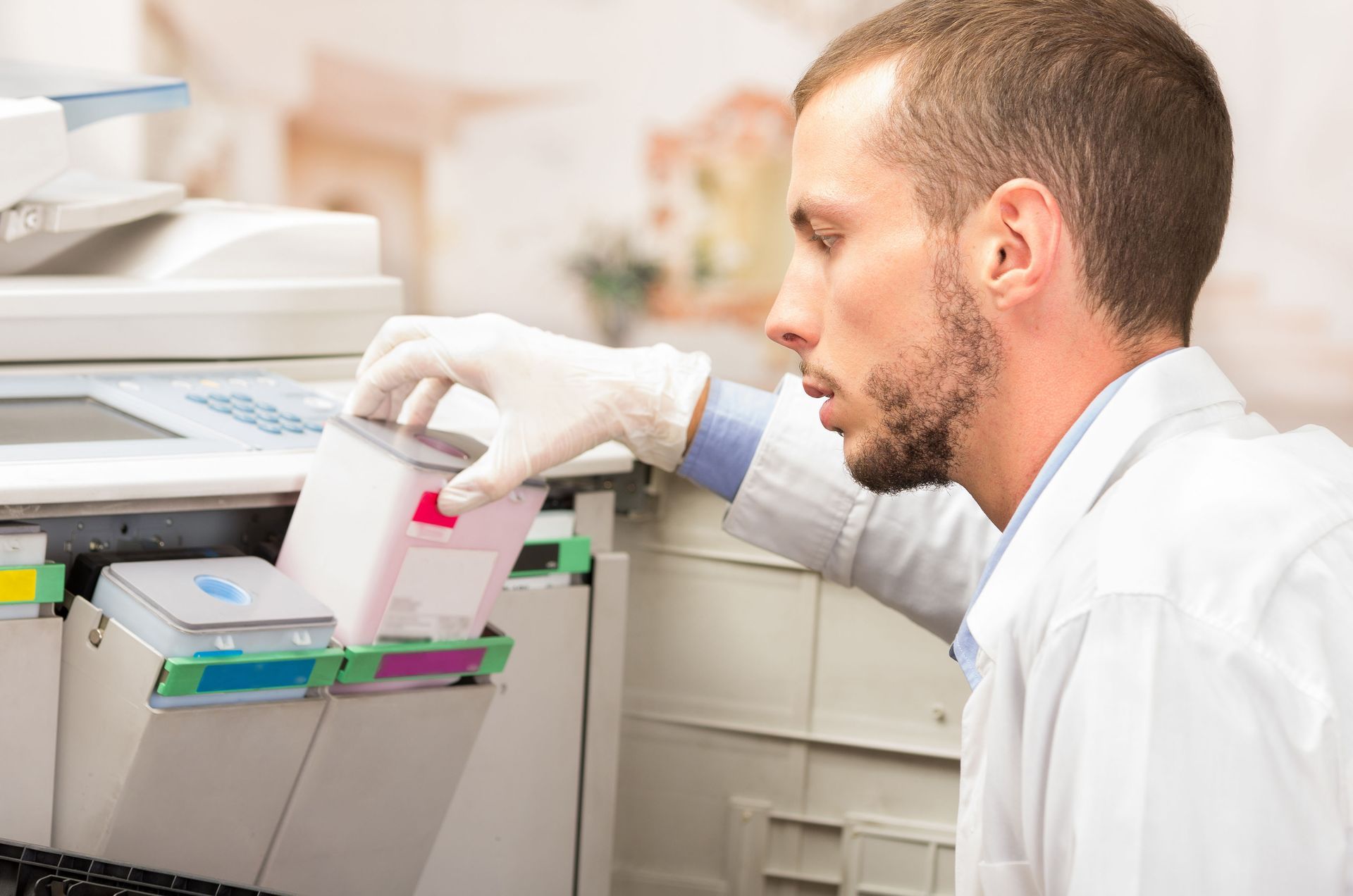
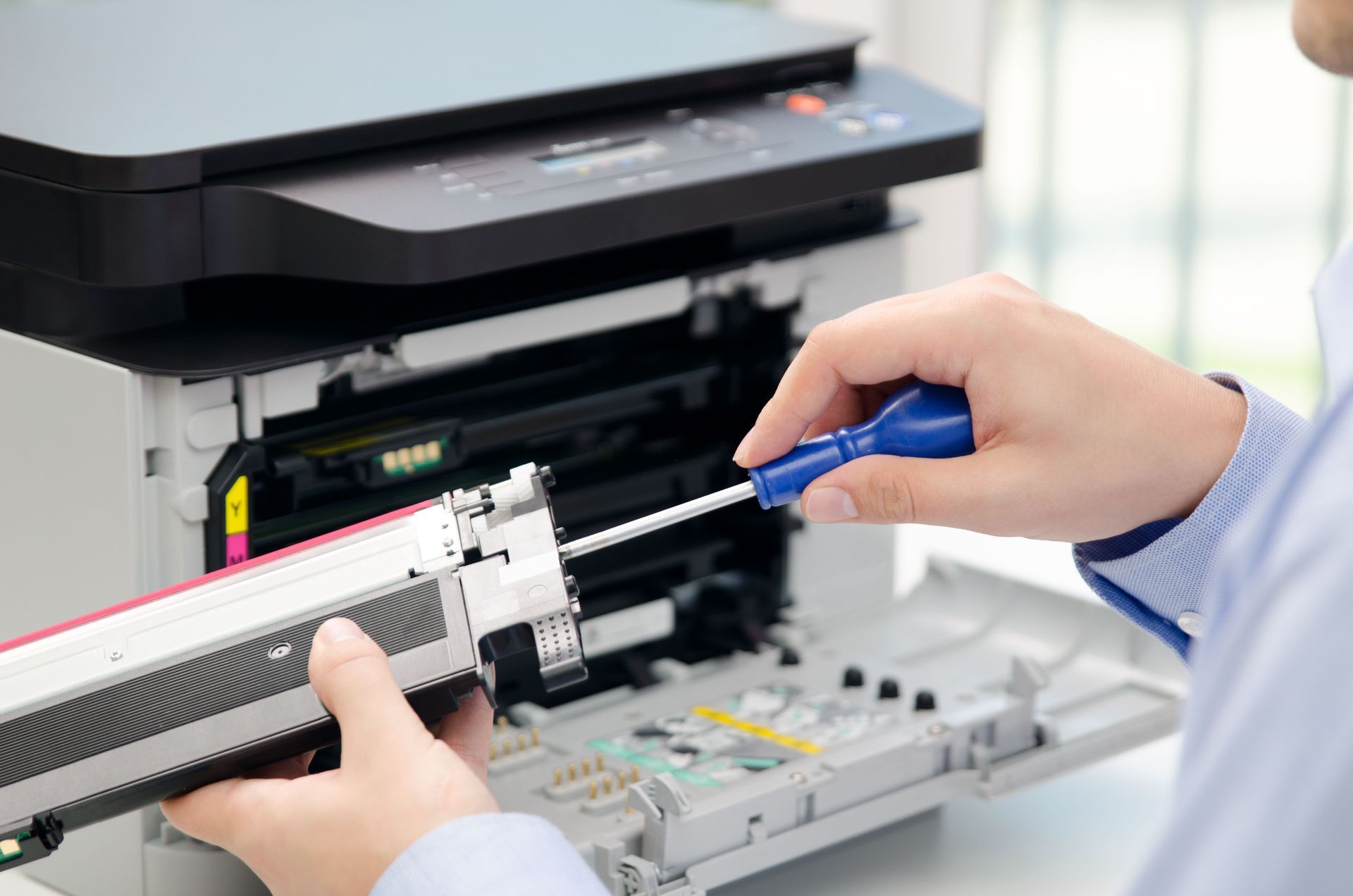
Gently remove the old cartridge by carefully following the manufacturer's instructions. Most cartridges have tabs or levers to assist in their removal. Be cautious not to apply excessive force, as this can damage sensitive printer components. Place the old cartridge aside for proper disposal or recycling. Removal of the old cartridge opens space for the new one while emphasizing the need for careful handling to avoid inadvertently damaging the printer.
Unpacking the New Cartridge
Unpack the new cartridge from its packaging, taking care not to touch the electrical contacts or nozzles. Handling the cartridge by its sides prevents damage and ensures a clean installation. The packaging may contain protective covers or seals that need to be removed before installation. Follow the manufacturer's guidance for proper unpacking and preparation. This step is vital in ensuring that the new cartridge operates optimally from the moment it's installed.
By following these straightforward steps and tips, even beginners can effectively manage their printer's ink and toner replacements. Regular maintenance and proper handling will ensure not only quality prints but also extend the lifespan of your printer. Engaging with these practices fosters a deeper understanding of printer management and efficiency. As technology evolves, staying informed and adaptable is paramount in achieving seamless printing experiences. If you're looking for quality ink and toner cartridges, contact Laser Printer Technologies today.