June 18, 2026
Choosing a printer can feel straightforward until you begin comparing specifications, operating costs, and performance expectations. While many buyers focus on upfront pricing, the best purchasing decision comes from understanding how a printer will fit into your daily routine. Whether you print school assignments, business documents, marketing materials, or presentations, selecting the right device requires a closer look at your actual printing habits.
Many homes and businesses gravitate toward color laser printers because they offer dependable performance, sharp output, and efficient operation for a wide variety of tasks. However, not every model is designed for the same workload. Understanding your needs before making a purchase can help you avoid overspending on unnecessary features or choosing a machine that struggles to keep up with demand.
Evaluating Your Printing Volume and Workflow
Understanding How Much You Print
The first step in determining whether color laser printers are right for you is evaluating your average monthly print volume. Some users print only a handful of pages each week, while others produce hundreds or even thousands of pages each month. Printing habits significantly influence which model will provide the best value.
Manufacturers typically provide recommended monthly duty cycles and monthly print volume ranges. These figures help indicate how much use a printer is designed to handle without experiencing excessive wear. Choosing a device that matches your workload can improve reliability and reduce maintenance concerns over time.
If your printing needs fluctuate throughout the year, consider your busiest periods rather than your average month. Businesses often experience seasonal surges in document production, while students may print significantly more during certain academic terms. Accounting for these peaks helps ensure your printer remains capable when demand increases.
Determining the Importance of Speed
Print speed becomes increasingly important when multiple users rely on the same device. Waiting for lengthy jobs can disrupt productivity and create bottlenecks in busy environments. Reviewing pages-per-minute ratings allows you to estimate how efficiently a printer can process typical workloads.
According to Popular Mechanics, color laser printers capable of producing between 25 and 30 pages per minute generally provide sufficient performance for households and small businesses with relatively light printing requirements. This benchmark offers a useful starting point when comparing models and determining whether a printer's output speed aligns with your expectations.
Users who regularly print large reports, training manuals, or customer-facing materials may benefit from higher-speed devices. On the other hand, those who primarily print occasional documents may find that moderate speeds adequately meet their daily needs without increasing equipment costs.
Considering the Number of Users
The number of people sharing a printer directly affects its performance requirements. A machine that works perfectly in a single-user home office may struggle when serving an entire department or work group.
Shared environments often generate simultaneous print requests, making processing speed, paper capacity, and durability more important. Larger paper trays can reduce interruptions for refilling, while higher-capacity toner cartridges help minimize downtime.
When evaluating color laser printers for a multi-user setting, it is helpful to consider future growth as well. Purchasing equipment that can accommodate expanding workloads may prevent the need for premature upgrades and provide a better long-term investment.
Assessing Print Quality and Functionality Requirements
Identifying the Types of Documents You Produce
Different printing tasks require different levels of quality. Before selecting a printer, think carefully about the materials you create most often. Text-heavy documents, spreadsheets, invoices, and reports typically place different demands on a printer than brochures, presentations, or promotional materials.
Many color laser printers excel at producing crisp text and professional-looking graphics. This makes them a strong option for businesses that need polished documents for clients, vendors, or internal operations. Consistent output quality can help maintain a professional image while supporting day-to-day communication needs.
Users who frequently produce marketing pieces or presentation materials should pay close attention to color accuracy and image quality specifications. Reviewing sample prints whenever possible can provide valuable insight into how a device performs under real-world conditions.
Reviewing Paper Handling Capabilities
Paper handling often receives less attention during the purchasing process, yet it can significantly affect usability. Different projects may require varying paper sizes, weights, or finishes. Selecting a printer that accommodates your preferred media helps eliminate limitations later.
Many users benefit from multiple paper trays that allow different paper types to remain loaded simultaneously. This feature can streamline workflows and reduce the need for frequent adjustments. Automatic duplex printing can also improve efficiency while helping reduce paper consumption.
Businesses that regularly print presentations, letterhead, envelopes, or specialty materials should carefully review media compatibility specifications. A printer that supports diverse media options may provide greater flexibility as needs evolve.
Determining Whether Additional Features Are Necessary
Beyond basic printing, many buyers seek additional functionality that supports convenience and productivity. Some models include scanning, copying, and document management capabilities that can reduce the need for separate equipment.
Before investing in added features, consider how frequently they will be used. Paying for capabilities that rarely serve a practical purpose may not provide meaningful value. Conversely, integrated functions can simplify operations for organizations that rely heavily on document processing.
Evaluating your current workflow can help identify which features genuinely support your goals. This approach allows you to focus on practical benefits rather than becoming distracted by specifications that have little impact on daily use.
Calculating Long-Term Ownership Costs
Looking Beyond the Initial Purchase Price
A printer's purchase price represents only one portion of its overall cost. Consumables, maintenance, and service requirements often contribute significantly to long-term ownership expenses.
Many buyers discover that a lower-priced printer can become more expensive over time if replacement cartridges carry high costs or require frequent replacement. Evaluating total ownership costs provides a more accurate picture of long-term value.
When comparing color laser printers, examine estimated cartridge yields alongside replacement pricing. Understanding the relationship between output volume and supply costs can help you make a more informed decision.
Comparing Toner Efficiency and Replacement Needs
Toner consumption varies depending on document types, color usage, and print frequency. Users who regularly produce graphics-heavy materials may consume supplies more quickly than those printing mostly text-based documents.
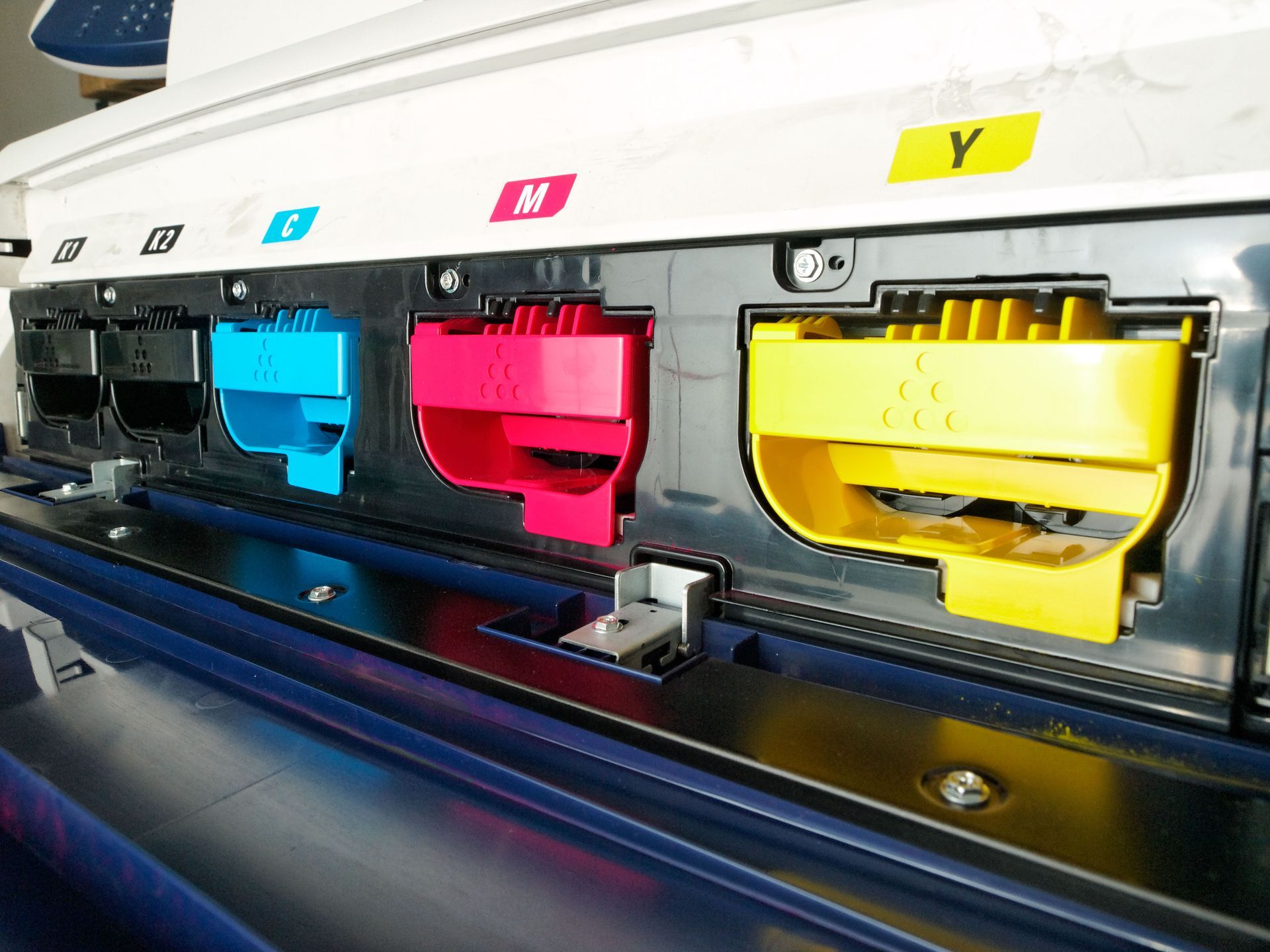
High-yield toner options can help reduce replacement frequency and improve operational efficiency. In many environments, fewer cartridge changes translate into less downtime and lower administrative effort.
Working with knowledgeable printing professionals can also help identify cartridge solutions that balance performance and cost-effectiveness. Guidance regarding yield expectations and compatibility can simplify purchasing decisions and support budget management.
Evaluating Service and Support Availability
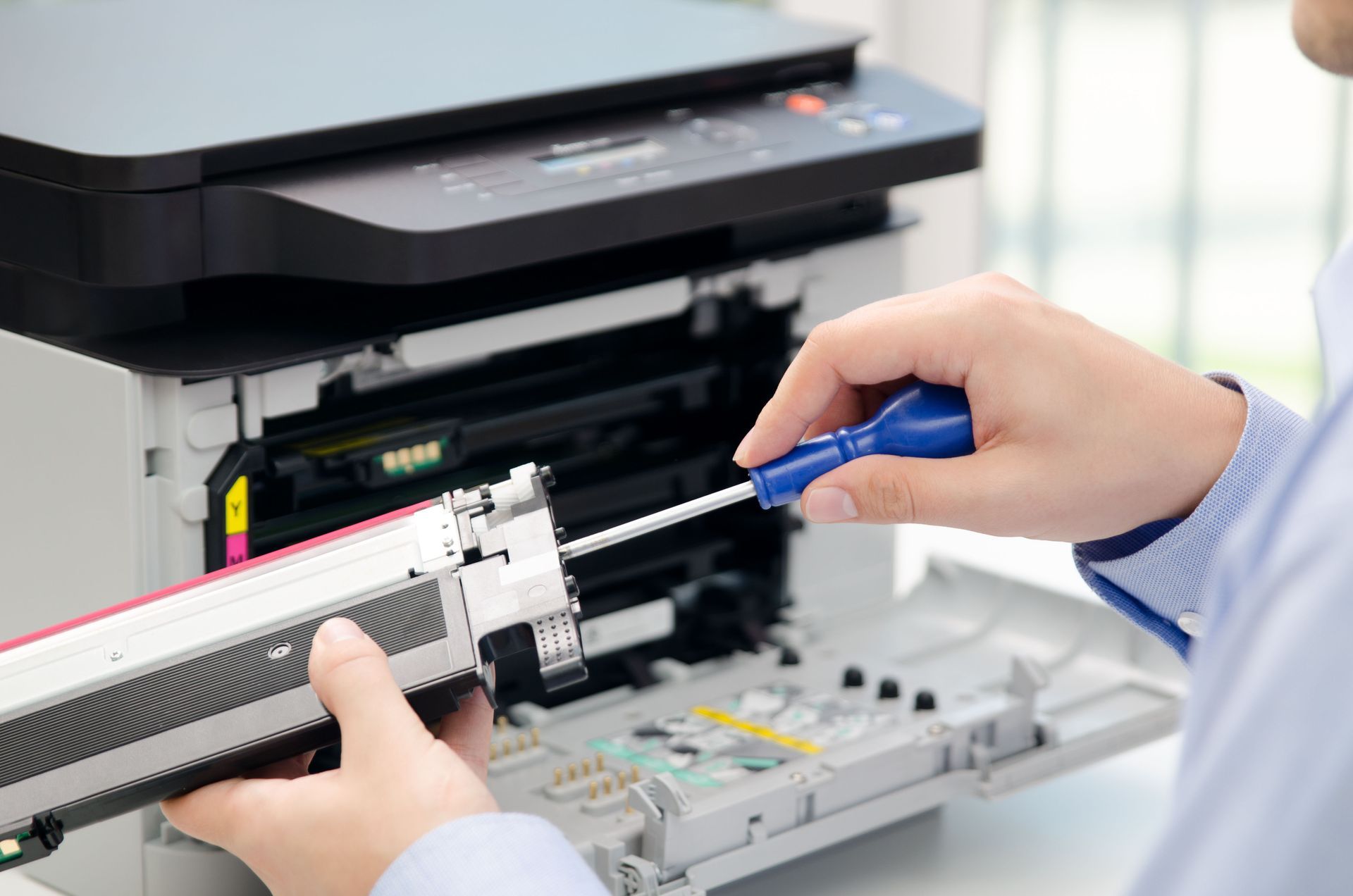
Reliable support can be just as important as printer performance. Even well-built equipment occasionally requires maintenance, troubleshooting, or replacement parts. Access to experienced technicians can minimize disruptions and extend equipment lifespan.
Businesses that depend heavily on printing operations should carefully review available service options before making a purchase. Responsive support, flexible scheduling, and readily available parts can significantly reduce downtime when issues arise.
A provider with extensive industry experience can also offer valuable recommendations regarding equipment selection, maintenance schedules, and supply management. These resources help ensure your printer continues operating efficiently throughout its service life.
Selecting the right printer involves much more than comparing prices or choosing a familiar brand. By examining your print volume, workflow requirements, document types, operating costs, and support needs, you can identify a solution that aligns with both your current demands and future goals.
For many users, color laser printers provide an excellent combination of speed, reliability, and professional-quality output. Taking the time to evaluate how a device will fit into your daily operations helps ensure you invest in equipment that delivers consistent performance, supports productivity, and provides lasting value for years to come. Reach out to Laser Printer Technologies for more expert information on color laser printers!